Tag: beginner music production

Beginner-friendly guides for starting music production on Linux.

  • What You Really Need to Produce Professional Music at Home – A Guide for Beginners Who Are Serious About Music Production (2025)

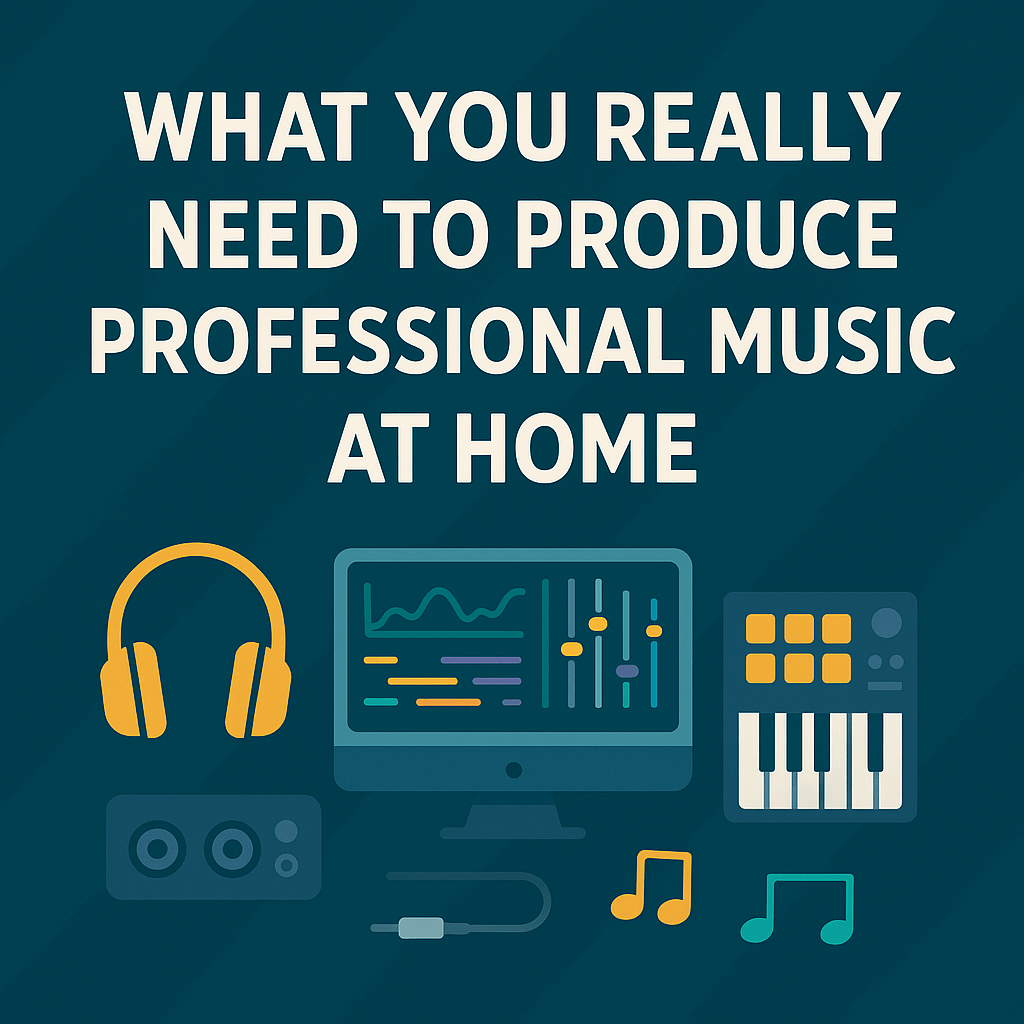
    What You Really Need to Produce Professional Music at Home – A Guide for Beginners Who Are Serious About Music Production (2025)

    Disclosure: This post may contain affiliate links. If you click on a link and make a purchase, I may earn a commission at no additional cost to you. I recommend products and services based on personal use or research and value. Thank you for supporting this site!

    🎧 Introduction

    Music production no longer requires an expensive studio. But if you’re serious about producing professional-quality music from the start—not just messing around—you’ll want to invest in tools that will still serve you years from now. This guide shows you exactly what you need if you’re ready to invest smart, not cheap. Perfect for beginners who mean business.


    🖥️ 1. The DAW: Your Digital Control Room

    Your Digital Audio Workstation (DAW) is the brain of your entire production setup. It’s where your songs are arranged, mixed, and mastered.

    Recommended DAWs for serious beginners:

    • Bitwig Studio – modern Linux support, powerful modulation system
    • Reaper – super flexible, affordable license, runs natively on Linux
    • Ableton Live (via Wine or dual boot) – industry standard, huge community

    💡 Pro tip: Choose a DAW that won’t hold you back in two or three years. It’s worth it.


    🔊 2. High-Quality Samples: Your Sound Library

    Even professional producers use pre-made sounds—as long as they’re high-quality. Cheap samples sound weak, great samples inspire creativity.

    👉 Loopcloud is perfect for beginners and pros alike:

    • Massive library of royalty-free samples
    • Free daily downloads
    • Direct DAW integration

    🎯 Try it now and get bonus sample packs:
    👉 Test Loopcloud for free


    🎛️ 3. The Audio Interface: Your Gateway to Clean Sound

    A solid interface ensures clean input and output—onboard sound cards just won’t cut it.

    Top interface picks:

    ModelPrice (approx.)Why It’s Great
    Focusrite Scarlett 2i2~€140Clean sound, easy to use
    SSL 2~€180Studio preamps, great for vocals
    Audient iD4~€160High-quality components, rugged build

    👉 Check out the Focusrite Scarlett 2i2 on Amazon


    🎹 4. MIDI Controller: Play Instead of Clicking

    Sure, you can draw notes with a mouse—but playing them gives your music life.

    Top beginner-friendly picks:

    • Arturia MiniLab 3 – compact with great pads and bundled software
    • Native Instruments Komplete Kontrol A49 – excellent key feel + software
    • AKAI MPK Mini MK3 – a go-to for beatmakers everywhere

    👉 See the AKAI MPK Mini on Amazon


    🎧 5. Studio Headphones & Monitors: Hear Honestly

    Consumer headphones often color the sound—studio gear tells the truth.

    Recommended gear:

    • Beyerdynamic DT 770 Pro (80 Ohm) – studio classic, super comfortable
    • Audio-Technica ATH-M50X – neutral and durable
    • Yamaha HS5 (monitors) – great option for nearfield monitoring if space allows

    👉 Check out the DT 770 Pro on Amazon (insert affiliate link)


    🔌 Must-Have Plugins for Beginners Who Want Pro Results

    Most DAWs come with built-in tools—but you’ll want a few trusted third-party plugins if you’re aiming for pro sound from day one.

    🎹 Instruments & Synths

    • Serum – versatile wavetable synth used in nearly every genre
    • Scaler 2 – helps you write chords and melodies, even without theory knowledge
    • Xpand!2 – CPU-light, great general-purpose sounds

    🎚️ FX & Mixing Tools

    • FabFilter Pro-Q 3 – one of the best and most intuitive EQs available
    • Valhalla Supermassive – free creative reverb/delay
    • iZotope Neutron Elements – smart mixing assistant with built-in analysis

    🎯 Most of these tools are available at big discounts—sometimes even free—through a trusted plugin marketplace.

    👉 Explore plugin deals and top-rated tools at Plugin Boutique


    ⚙️ Bonus: Powerful Free Software That Pros Use

    • Vital – free & open source synth that sounds amazing
    • Surge XT – deep modular synthesis, 100% free
    • Odin2 – powerful for experimental sound design

    These run natively on Linux and Windows with JACK and PulseAudio support.


    🧠 Final Thoughts: Don’t Buy Cheap—Buy Smart

    If you’re serious about producing music, don’t settle for the cheapest gear you can find. Instead, invest in a setup that can grow with you. The software and hardware outlined above will help you make high-quality music—now and in the future—whether you’re producing EDM, Lo-Fi, Trap, Ambient, or something entirely your own.

  • 🎧 Loops, One-Shots & Samples: What’s the Difference? (Beginner’s Guide to Sound Packs)

    🎧 Loops, One-Shots & Samples: What’s the Difference? (Beginner’s Guide to Sound Packs)

    Disclosure: This post may contain affiliate links. If you click on a link and make a purchase, I may earn a commission at no additional cost to you. I recommend products and services based on personal use or research and value. Thank you for supporting this site!

    When you’re just getting into music production, you’ll come across terms like loops, one-shots, and samples everywhere—especially when browsing sound packs.

    But what exactly do these terms mean? And how should you use them to build professional-sounding tracks?

    In this post, we’ll break down the key differences between loops, one-shots, and samples—and show you how to get started with free, high-quality sounds today.


    🎼 What Are Samples?

    Samples are short audio clips taken from a recording—either musical, vocal, or even environmental. In music production, a “sample” can mean a lot of things:

    • A drum hit
    • A vocal chop
    • A 4-bar piano loop
    • A vinyl crackle

    Samples are used across nearly every genre—from hip-hop and pop to EDM, house, and film scores.

    Think of samples as the “raw ingredients” in your musical recipe.


    🔁 What Are Loops?

    Loops are audio samples designed to be repeated seamlessly. They’re typically 1 to 8 bars long and locked to a BPM and key.

    For example:

    • A 4-bar drum loop
    • A bassline loop in C minor
    • A chopped vocal loop at 120 BPM

    Loops are great for:

    • Building a track quickly
    • Sparking inspiration
    • Layering multiple elements together

    Most producers use loops to create a track’s backbone and then build around it.


    🎯 What Are One-Shots?

    One-shots are single, non-looping samples—usually very short.

    Examples:

    • A single snare hit
    • A kick drum
    • A vocal “hey!”
    • A synth stab

    You use them to:

    • Program drums
    • Create fills and FX
    • Build your own loops in a sampler
    • Trigger samples live (e.g., with a MIDI pad)

    🧠 How to Choose the Right Format for Your Workflow

    Use CaseLoopsOne-Shots
    Fast track building
    Custom drum patterns
    Sampling into samplers (e.g., Ableton Simpler)
    Remixing / mashups
    Learning arrangement & song structure

    👉 Pro Tip: Combine both! Use loops to sketch ideas fast, then customize with one-shots for a unique sound.


    🎁 Where to Get Loops & One-Shots (Free & Pro-Quality)

    There are a lot of sample libraries online—but not all are legal, high-quality, or easy to use. That’s why I personally recommend:

    🔗 Loopcloud – Try it Free »

    Loopcloud gives you access to millions of royalty-free loops & one-shots, sorted by:

    • Key & BPM
    • Genre
    • Instrument
    • Mood

    You can preview and chop samples before downloading them—saving tons of time and hard drive space.


    🔗 Loopmasters – Browse curated sound packs »

    If you’re looking for specific genres or artist-inspired packs, Loopmasters has you covered with:

    • Genre-based collections (Lo-Fi, Techno, Trap…)
    • Instrument-specific packs
    • Label collaborations

    Perfect for building your own sample library from scratch.


    🔚 Final Thoughts

    Understanding the difference between loops, one-shots, and samples is key when starting out as a producer. The right sounds can speed up your workflow, inspire creativity, and elevate your tracks.

    So whether you’re layering one-shots in a sampler, or building a full track with loops—you’re using the same tools the pros do.


    Start creating today with the right sounds
    🎁 👉 Explore Loopcloud – free trial
    🎹 👉 Find your sound on Loopmasters »